Motion Copilot
Create and edit scenes, artwork, animation, themes, and interactivity with Motion Copilot inside Lottie Creator.
Motion Copilot helps you build and refine animations through a conversation inside Lottie Creator. Describe a new scene, ask for changes to existing artwork, or get guidance on motion design, then review the result in the editor.
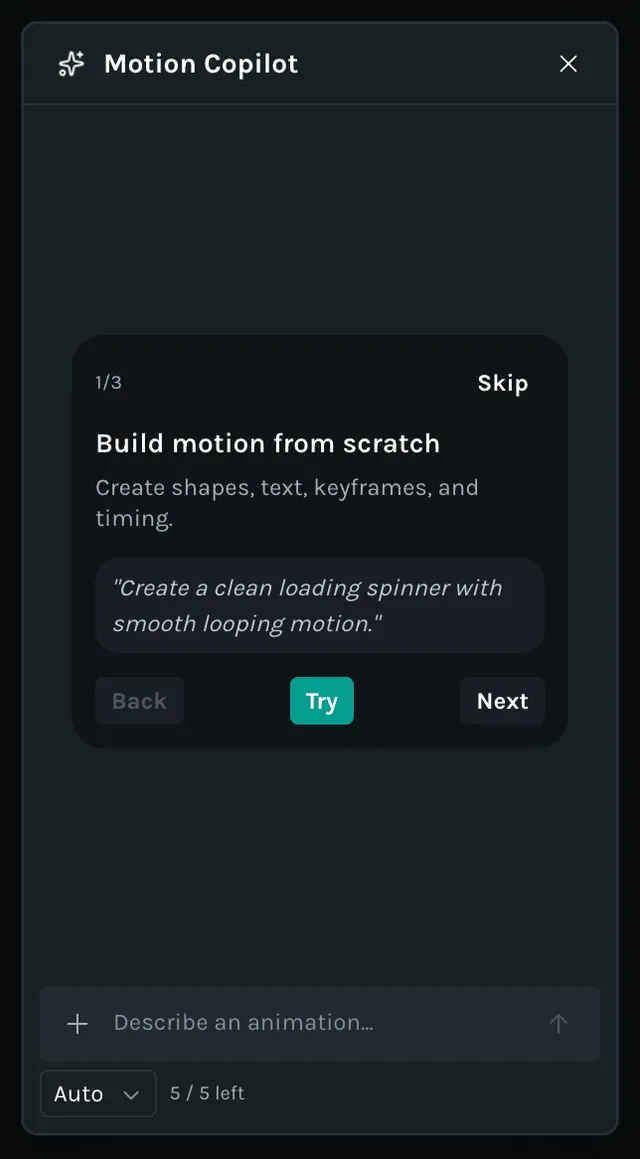
Getting started
Open your animation and Motion Copilot in Creator.
Select the layers you want to change, or describe what you want to create from scratch.
Enter your prompt. Use layer names or
@mentions to target particular elements.Preview the result in Creator, then ask for a refinement or adjust it manually.
Capabilities
Lottie Creator MCP, Motion Copilot, and Lottie Creator WebMCP offer the same Creator editing capabilities. Their setup and assistant interfaces differ.
| Area | What you can ask for |
| Scenes and layers | Inspect and create scenes; change size, frame rate, duration, or preview background; rename, duplicate, group, align, reorder, hide, or lock layers. |
| Shapes and text | Create and edit rectangles, ellipses, polygons, stars, paths, and text; change fonts and text styles; split text into parts for animation. |
| Styling and effects | Adjust solid and gradient fills or strokes; use blend modes, shadows, blur, color effects, masks, and mattes. |
| Animation and timing | Add, inspect, change, copy, or remove keyframes; adjust easing; animate transforms, opacity, and color; use motion paths, staggered entrances, and retiming. |
| Assets and scene inspection | Import SVGs, Lottie animations, and images; convert PNG or JPG image layers to vectors; inspect the scene and move the playhead to a specific frame. |
| Themes and reusable motion | Create and link motion-token slots, update their values, and create or switch themes. Find and apply saved styles and motion presets from your workspace's Motion System. |
| Segments and interactivity | Create named animation segments, state machines, states, transitions, and inputs; connect click, hover, and state events to actions. |
Feature access follows your Creator workspace and plan. When the animation is ready, use Creator's export controls to save the result.
Example prompts
Create or edit an animation
- •“Create a loading spinner with pastel colors and a smooth two-second loop.”
- •“Give the selected layer a 400 ms fade-in with ease-out. Keep its position unchanged.”
- •“Stagger the three label entrances by 80 ms, from left to right.”
- •“Add a dark theme using the linked color tokens.”
- •“Create idle and success segments, then make clicking the button play the success segment.”
Ask for guidance
You can also ask for an explanation. State when you want advice without edits:
- •“What easing would suit this button's hover animation? Explain without changing the scene.”
- •“Review the timing of this bounce and suggest improvements. Don't apply changes yet.”
Best practices
Name the layers you want changed, specify duration and easing, and break complex work into smaller requests. Preview the animation between changes. For more examples, see prompting best practices.
To use an external assistant instead, see Lottie Creator WebMCP or Lottie Creator MCP.