Workspace
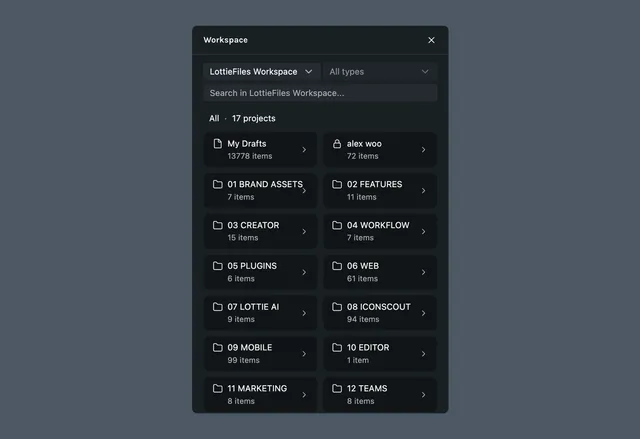
The Workspace plugin gives you access to your LottieFiles workspace from inside Lottie Creator. Navigate projects, preview assets, search files, and bulk upload images back from the canvas without switching tabs.
What it helps you do
- •Browse your workspace projects and folders directly from the editor
- •Preview Lotties, PNGs, JPGs, and SVGs before adding them to your scene
- •Search across all files in your workspace
How it works
Click the Workspace icon in the left sidebar
Navigate through your projects and folders
Click insert to add the animation to your current file
Last updated: September 11, 2026 at 12:08 PMEdit this page