SVGL Logos
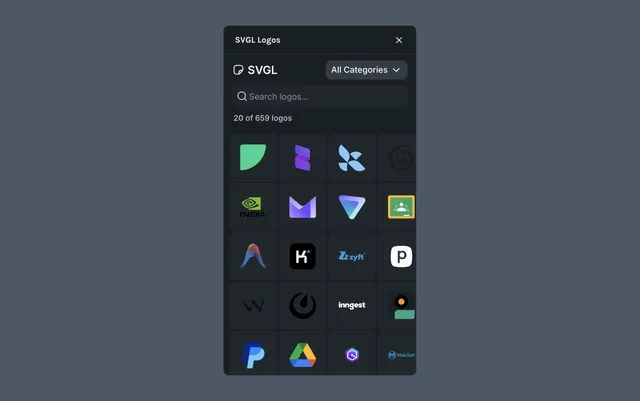
SVGL Logos gives you access to an open-source library of over 500 brand logos in SVG format, directly inside Lottie Creator. Drop a logo into your scene as an editable, animation-ready vector.
What it helps you do
- •Find brand-accurate logos without leaving the editor
- •Insert logos as layered SVGs ready to animate
- •Build mockups, intros, and product showcases faster
How it works
Click the SVGL Logos icon in the left sidebar
Search by brand name or browse the library
Click a logo to add it to your active scene as an editable vector
Resize, restyle, or animate the logo like any other layer
Tips
- •Logos drop in as fully editable paths — you can adjust colors and shapes before animating
- •Use Motion Presets or the timeline to animate logos into and out of frame
- •Combine with Duplicator to create logo grids or carousels
Last updated: October 8, 2026 at 10:45 AMEdit this page