Motion System
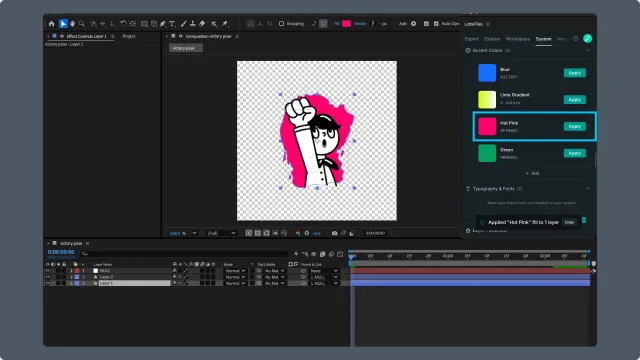
Motion System lets you create and apply reusable colors, fonts, easings, motion presets, and asset collections across After Effects compositions. The same Motion System can also be used in Lottie Creator and the web dashboard.
Create a Motion System and manage the system itself in the Motion System web dashboard. For an existing system, use the plugin to add, edit, and publish supported items such as colors, easings, fonts, and assets, then apply them to your compositions.
If you've used color elements or text styles in a static design system, Motion System extends the same idea to time-based properties. Easing curves, animation presets, and motion-specific colors become named elements you reuse across animations, instead of redefining them per comp.
In this chapter
Motion System basics — concepts: what's a system, what's a section, what's an item, and how drafts and publishing work.
Editing sections — adding, modifying, and organizing the design items inside a system.
Motion System panel controls — UI reference.
When to use Motion System
You're shipping multiple Lotties that should share a visual language (brand colors, signature easing curves).
You're working across AE and Lottie Creator and want one source of truth for motion-specific style.
You need themed Lotties (light/dark, brand variants) that change consistently across files.