Configuring the player
Configure native Webflow Lottie elements and advanced dotLottie players.
The inserted element has two possible runtime models. Identify which one the app created before changing it.
Native Webflow Lottie
The app uploads the prepared JSON to Webflow Assets and creates a native Lottie Animation element. Use Webflow to control its size, classes, position, visibility, and native animation behavior.
The selected palette or theme is already applied to the inserted JSON. It is not a live theme connection to the Workspace file.
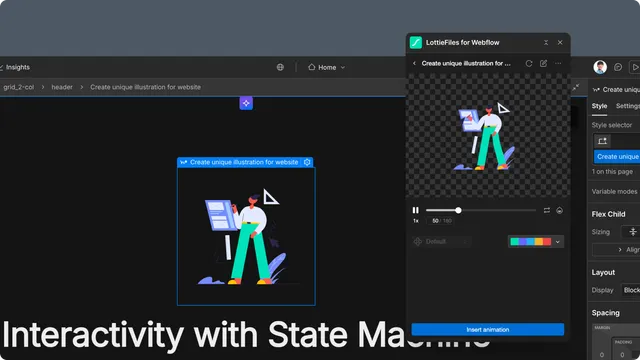
Advanced dotLottie player
The app inserts a <dotlottie-wc> element inside the selected container and adds the page-level runtime script. The element can carry:
Source or embedded animation data.
Autoplay and loop.
Active animation ID.
Default, light, and dark theme IDs.
Active state-machine ID.
Background and element dimensions.
Webflow can show a still thumbnail on the design canvas. The page custom code hides that thumbnail and initializes the real player in Preview and on the published site.
Layout and responsive behavior
Use Webflow styles for width, height, display, positioning, and responsive layout. Do not edit generated player attributes or page custom code unless the site owner is prepared to maintain those changes outside the app workflow.