Reading export warnings
Read the orange Figma to Lottie warning state and decide what to fix before exporting again.
When an orange warning appears during render or export, pause before retrying. The selected Figma scene probably includes a feature, layer pattern, or interaction that may not convert reliably.
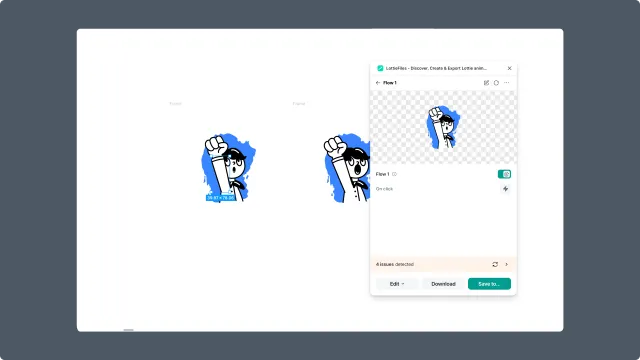
What the warning means
The warning does not always mean the export is impossible. It means one of these is likely true:
A Figma feature is unsupported or partially supported.
A layer structure is inconsistent across frames.
A text layer changes value across matched frames.
A visual effect or gradient may render differently.
A prototype interaction cannot become a state-machine input.
What to do first
Read the warning details in the plugin.
Check Supported Figma features.
Simplify the affected layer, interaction, or effect.
Preview again before exporting.
Common fixes
Replace unsupported prototype actions with supported navigation-style transitions.
Convert a group to a frame when it needs to receive click or hover behavior.
Keep layer names and layer order consistent.
Split changing text into separate layers.
Use simple linear or radial gradients.
Remove stacked fills, strokes, shadows, and effects from animated objects.