Motion System
Use approved colors, easing curves, fonts, motion presets, and collection assets directly in VS Code.
Motion System gives designers and developers the same shared motion language. Authoring surfaces such as After Effects, Figma, Lottie Creator, and the web help teams create and apply system items; the VS Code extension turns those items into values, code, URLs, and downloadable assets for implementation.
The System tab is read-only. Create, edit, publish, and organize Motion System content in the supported authoring surface appropriate to the task.
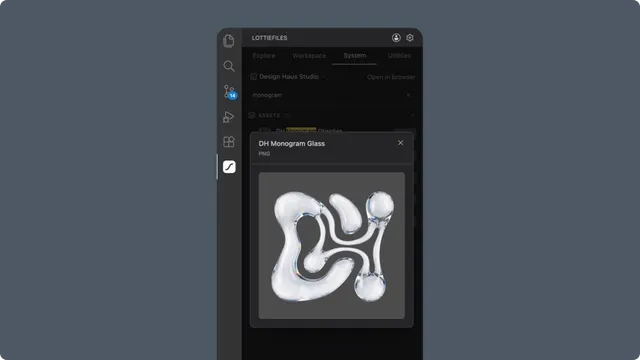
What developers can use
Brand Colors - solid colors and gradients with CSS, TypeScript, React, and Tailwind representations.
Easing Curves - cubic-bezier values and code for transitions or animation timing.
Fonts - real font previews, CSS and TypeScript usage,
@font-face, and eligible font downloads.Motion Presets - live previews and CSS, React, Vue, or keyframe-data output.
Collection Assets - Lottie and image previews, CDN or embed code, and downloads.
Fastest workflow
Choose the correct workspace in Workspace.
Open System.
Select a Motion System when the workspace contains more than one.
Search for a primitive.
Click Use.
Choose a code format.
Copy it or insert it at the active editor cursor.
In this chapter
Motion System basics - shared concepts and the read-only VS Code role.
Using Motion System primitives - code, insert, URL, and download workflows.
Motion System panel controls - complete UI reference.