Saving to Workspace
Save a Figma to Lottie export to a LottieFiles workspace for review, reuse, and handoff.
Save to Workspace when the exported animation should become a shared team asset instead of a one-off local file.
Before you start
Sign in to LottieFiles.
Choose the workspace, project, or folder where the animation belongs.
Check your workspace plan limits if the save is blocked.
Steps
Complete a Figma to Lottie preview.
Choose the output format.
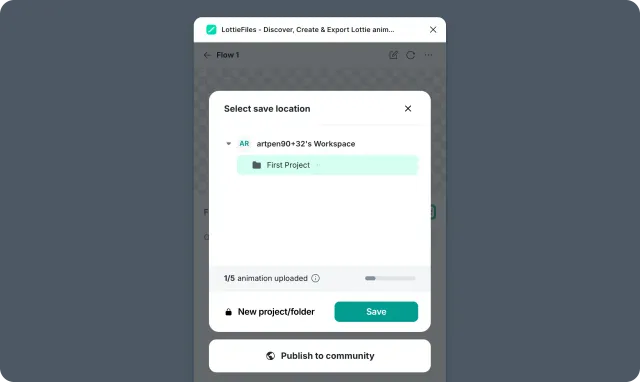
Select Save to Workspace when available.
Choose the destination workspace, project, or folder.
Confirm the save.
Why save to Workspace
Teammates can find the same animation later.
Reviewers can use one stable asset page.
Developers can access download, CDN, and embed options from the asset page.
Future versions can stay attached to the same project context.
Related
Last updated: October 8, 2026 at 10:45 AMEdit this page