Workspace
Browse and insert private or team-approved LottieFiles assets into Framer.
Workspace connects Framer to the animation library your team manages in LottieFiles. Use it when the source is private, belongs to a project, or must be reviewed and versioned before publication.
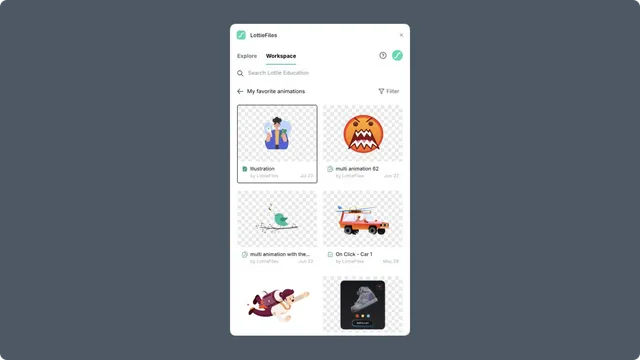
Workspace as the source of truth
Workspace answers which source and version the team approved. It does not create a live synchronization link to Framer. The inserted component keeps the source selected at insertion time.
When the Workspace file changes:
Review the new version in the plugin.
Reinsert or replace the existing Framer component.
Reapply page-specific layout and playback settings.
Preview and publish the site again.
In this chapter
Browsing and searching - switch workspaces and navigate projects and folders.
Inserting Workspace animations - preview the approved file and add it to Framer.
Plans and limits - understand sign-in, access, Premium, and storage constraints.