Interface
Learn the Explore, Workspace, System, Utilities, preview, and developer-tooling surfaces.
The extension combines an asset sidebar with editor-aware preview and developer tools.
Sidebar tabs
Explore - search public LottieFiles animations. See Explore.
Workspace - browse, upload, organize, download, and publish team assets. See Workspace.
System - browse shared Motion System primitives and insert developer-ready values or code. See Motion System.
Utilities - preview a local upload, build a dotLottie bundle, or generate interaction snippets. See Utilities tab.
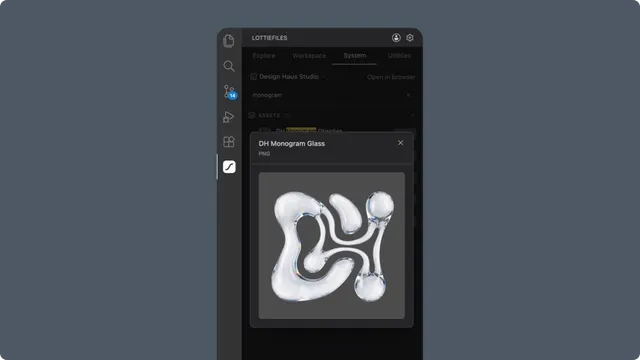
Preview and inspection
An animation preview can open from Explore, Workspace, Utilities Upload, or a local editor file. Its available panels depend on the source and file:
Playback and frame controls.
File and manifest information.
Multi-animation selection.
Markers and custom segments.
Themes and motion tokens.
State-machine controls.
Color palette and generated code.
Download and CDN actions.
Editor integrations
The extension contributes JSON schema validation, IntelliSense, hover information, navigation, and the dotLottie Explorer. Use the Command Palette for preview, validation, type generation, and CI setup commands.
Workspace context
Workspace determines which team assets are visible. The System tab follows the workspace selected in Workspace rather than using a separate workspace selector.