Premium animations
Use plan-available Premium Lottie animations in Framer.
Premium results appear alongside the public library but require access through the connected LottieFiles account and plan.
Check access
Sign in from the plugin account control.
Open Explore and choose Premium animations.
Select a result and review the access action shown in the preview.
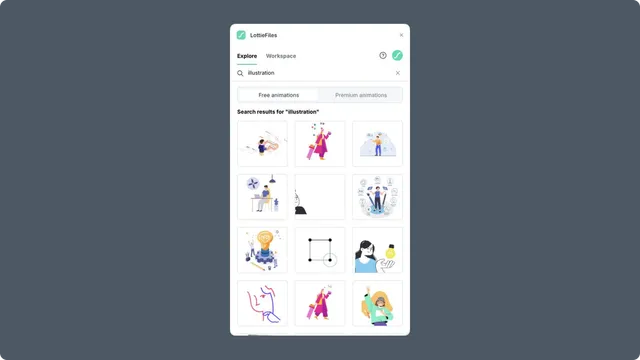
Depending on the account, the plugin can ask you to upgrade, save the animation to Workspace before insertion, or continue with the available file variants.
Prepare a Premium source for production
Use the same review standard as a team Workspace asset:
Confirm the account has the right to use the animation.
Save it to the intended Workspace project when the team needs a stable source.
Record any palette, theme, or structural change as a new Workspace version.
Verify the published result independently from the plugin preview.
Do not replace a locked Premium source with a visually similar file without confirming licensing and approval.