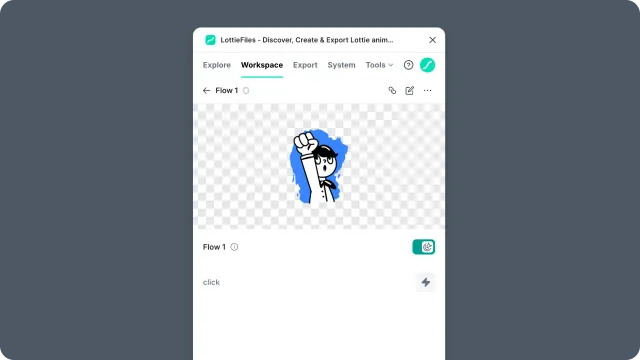
Workspace panel controls
Reference the controls in the Workspace panel, including workspace selection, search, file cards, and file actions.
A reference for the main controls in Workspace.
How to access this
Open the LottieFiles plugin in Figma.
Open Workspace.
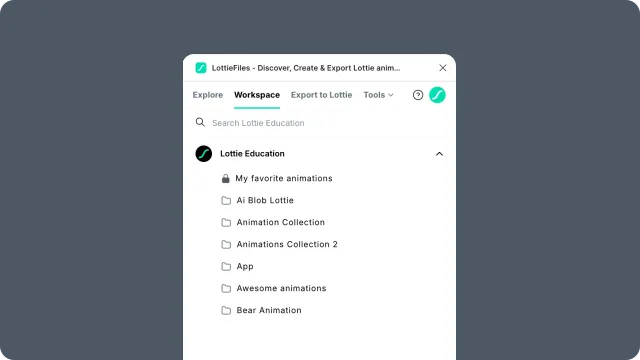
Header
Workspace selector - choose the active personal or team workspace.
Search - find files and folders by name in the active workspace.
Account area - sign in, switch account context, or access account actions.
Project and folder views
Project card - opens a project.
Folder card - opens a nested folder.
File card - opens an animation or asset detail view.
Back or breadcrumb navigation - returns to a previous level.
File detail view
Player preview - previews the saved animation.
Motion Tokens - appears when the animation includes tokens; view values, edit them, save as a new theme, then insert with those values applied.
Insert - places the animation into the current Figma canvas.
Open in browser - opens the workspace asset page when available.
Download or export actions - exposes available file variants when supported.
Share actions - copies or opens shareable asset links when supported.