Explore
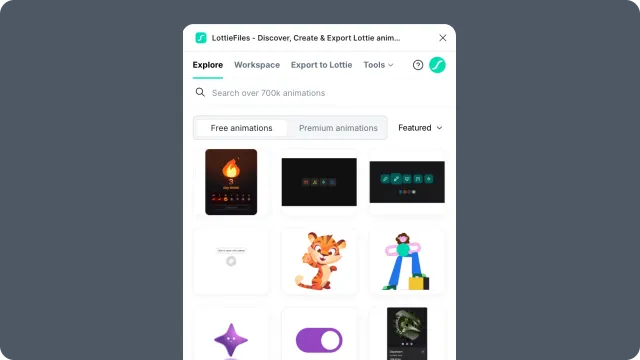
Search, preview, and insert free or Premium Lottie animations from the LottieFiles library into Figma.
Explore opens the public LottieFiles library directly inside Figma. Use it when you want to start from an existing animation instead of creating motion from a Figma scene.
In this chapter
Finding animations - search and browse the public animation library.
Premium animations - understand plan-gated Premium content.
Inserting animations - preview an animation and place it into your Figma canvas.
Explore panel controls - reference the controls in the Explore panel.
Related
Workspace - your private or team animation library.
Figma to Lottie - create animation from Figma content.
Last updated: October 8, 2026 at 10:45 AMEdit this page