Validating animations and generating types
Validate animation data, inspect structure, generate identifiers, and add CI checks.
Use the extension's developer tools to catch animation-data problems before they reach a player.
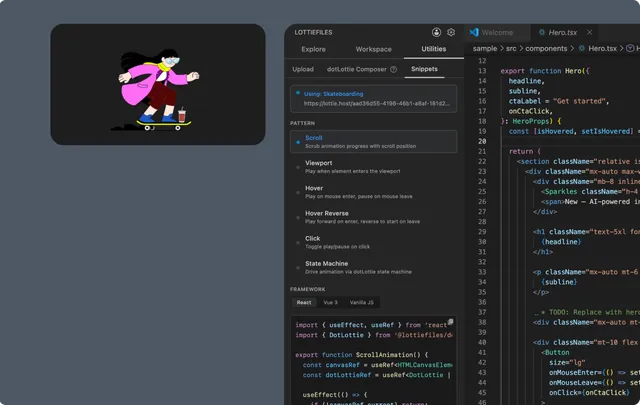
Editor assistance
Recognized Lottie JSON can use:
Schema validation.
IntelliSense and autocomplete.
Hover documentation.
Navigation to relevant animation data.
Error highlighting and live diagnostics.
Treat diagnostics as compatibility and data-quality signals. A syntactically valid JSON file can still use features unsupported by the target runtime.
Inspect dotLottie structure
Use dotLottie Explorer to inspect the bundle manifest and embedded content without unzipping the file manually. Confirm animation IDs, markers, assets, themes, and state machines before generating code.
Generate TypeScript identifiers
Run the LottieFiles type-generation command for a supported .lottie file. The current generator produces types for:
State-machine IDs.
Marker names.
Use the output instead of repeating string literals throughout the application. Regenerate it when the animation contract changes.
The current generator does not emit segment or theme types.
Add CI validation
Use the CI setup commands to create supported validation artifacts such as:
A GitHub Actions workflow.
A pre-commit hook.
A
.relottierc.jsonconfiguration.
Review every generated file before committing it. The current generated .relottierc can contain fewer rules than the configuration UI presents, so treat the file itself as the source of truth for CI behavior.
Recommended validation loop
Preview the animation locally.
Resolve JSON or schema diagnostics.
Inspect dotLottie manifest features.
Run the target runtime or compatibility checks.
Regenerate types.
Run the same validation in CI.