Premium animations
Understand how Premium animations work in the Figma plugin, including browsing, previewing, licensing, and plan-gated insertion.
Premium animations are curated Lottie animations available through LottieFiles plans that include Premium content. You can browse and preview them in Explore before deciding whether to use them in a project.
How to access this
Open the LottieFiles plugin in Figma.
Open Explore.
Switch to Premium content when available.
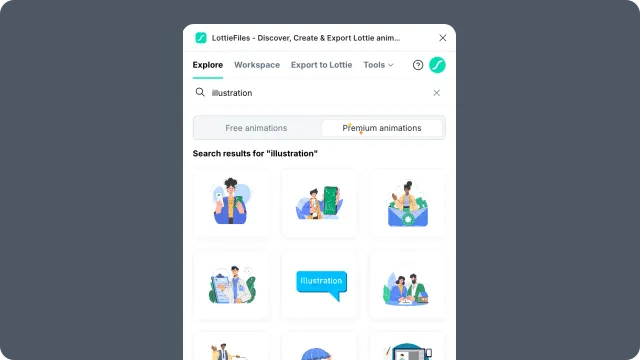
What Premium changes
Premium affects access and licensing, not the basic browsing workflow:
You can preview Premium animations before inserting them.
Inserting or saving Premium animations requires a plan that includes Premium content.
Licensing terms should be checked from the animation's page before client or production use.
Related
Last updated: October 8, 2026 at 10:45 AMEdit this page