Exporting multiple frames
Export multiple selected Figma frames as a Lottie animation sequence.
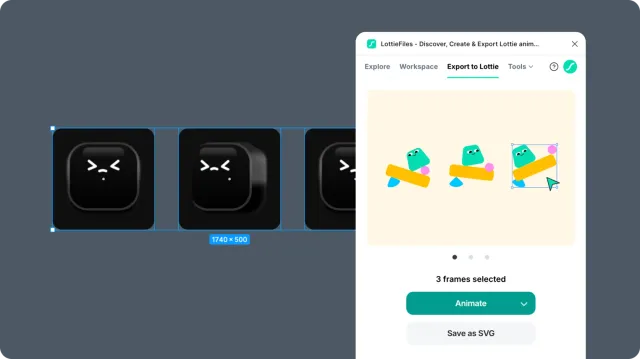
Multi-frame export turns several selected Figma frames into a linear animation sequence. Use it when each frame represents a step in the motion.
Before you start
Select all frames you want to include.
Keep layer names and order consistent across frames.
Keep text values stable within matched layers.
Avoid deleting layers between frames; hide them instead when possible.
Steps
Select multiple frames in Figma.
Open the LottieFiles plugin.
Click Animate.
Preview the generated sequence.
Resolve any warnings before export.
Export or save the animation.
Common failure points
A layer exists in one frame but is missing in another.
Layer names differ between frames.
The same text layer has different text values.
One frame uses unsupported effects or stacked fills that the others do not.