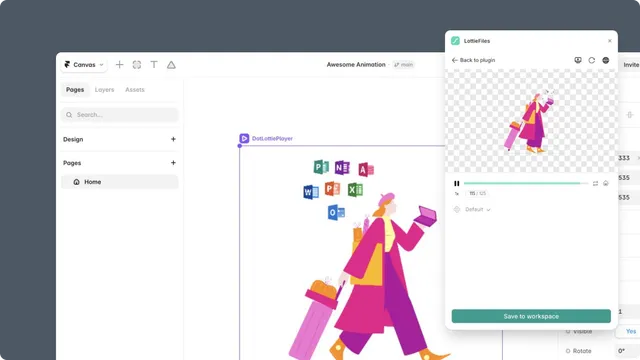
Quickstart
Open LottieFiles in Framer and publish your first animation.
This quickstart follows the shortest complete path: choose a free public animation, insert it into a Framer page, preview the result, and publish it.
Before you start
Open a Framer project with a page you can edit and publish.
Choose the frame or page area where the animation should appear.
Use a current Framer browser or desktop editor session.
A LottieFiles account is optional for the first Explore insertion. Sign in when you need Workspace, Premium animations, saving, or other account features.
In this chapter
Installation - open the LottieFiles plugin from Framer or its Marketplace page.
Interface - learn the Explore, Workspace, preview, and account areas.
Your first animation - complete the Explore-to-published-site workflow.