Workspace
Browse team animation files, insert saved assets, and share handoff links from the LottieFiles workspace inside Figma.
Workspace connects Figma to your team's LottieFiles asset library. Use it when the animation already belongs to a project, needs to stay private to a team, or should be handed off through a stable workspace URL.
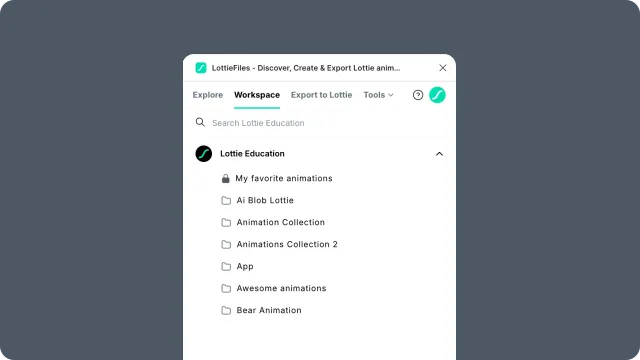
Workspace vs Explore
Workspace - private or team assets saved to a LottieFiles workspace.
Explore - the public LottieFiles animation library.
Use Explore to discover something new. Use Workspace when you need the version your team already approved, saved, or shared.
In this chapter
Browsing and searching - find projects, folders, and files.
Inserting workspace animations - place saved animations into a Figma scene.
Sharing and handoff - use Workspace links for review and developer handoff.
Workspace panel controls - reference the controls in Workspace.
Plans and limits - understand free and paid behavior.
A Free plan workspace can hold up to 5 files within 20 MB of storage. Workspace browsing is available after sign-in.
Related
Motion System — design elements that ride along inside shared workspace files.